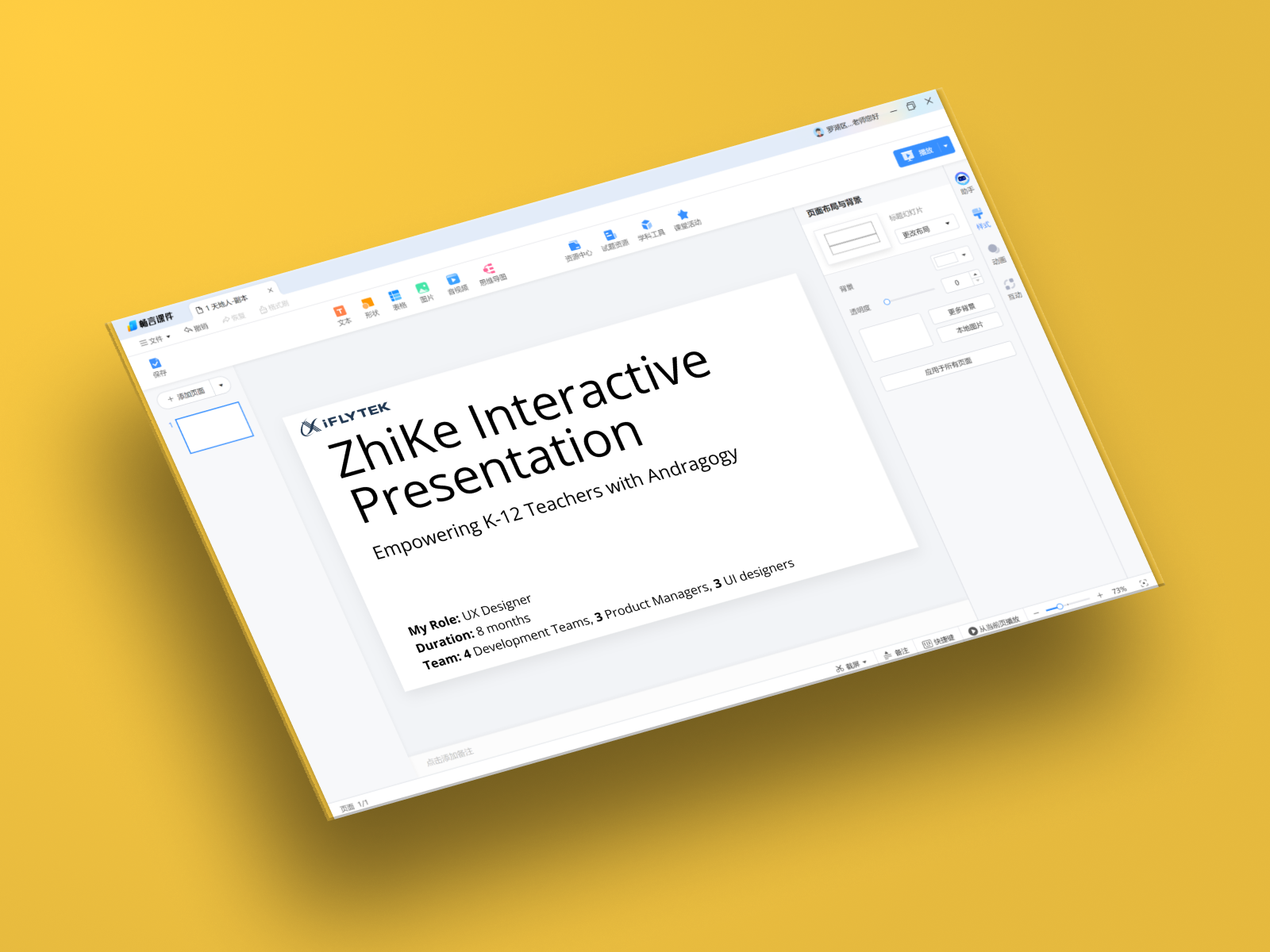
ZhiKe Presentation Platform

ZhiKe Classroom Presentation

A presentation tool for teachers, not for meetings.

K-12 teachers in China were teaching from three apps at once: PowerPoint, a textbook app and an activities tool. I led UX for 8 months at iFlytek to fold them into one tool built around how a lesson actually runs.
Role Lead UX Designer
Duration 8 months
Team 4 dev teams, 3 PMs, 3 UI designers

TL;DR

Teachers kept losing their class mid-lesson while they switched apps. We talked to 30+ teachers and sat in on 3 classrooms for a full day. The surprise wasn't that the tools were hard to use. It was that 87% of teachers wouldn't try a new tool even when they could see the flaws in their current one. They only switch if it obviously saves time.

So we stopped pitching "easier" and designed for "saves time on day one": textbook content and activities live inside the slides, and the controls sit where a teacher can reach them while facing the class.

The Challenge

Current presentation tools suit offices, not classrooms

PowerPoint assumes a speaker clicking through slides in order. A lesson doesn't work that way.

Slides run in order. Lessons don't.

A teacher jumps back to the textbook, launches a quiz, takes a question, then returns. A linear deck can't follow.

Built for meeting rooms

Most of PowerPoint's toolbar is for business decks. The things teachers need weren't there.

Three apps in one lesson

Every switch meant leaving PowerPoint, opening another app and finding their place again, and every switch was a moment the class drifted.

Challenge visualization

What We Discovered

Teachers weren't asking for easier software. They were asking for less of it.

30+ teacher interviews, full-day observation in 3 classrooms, and a survey with 500+ responses.

72%

of surveyed teachers use 3 or more apps in a single class

12+

hours a week spent looking for teaching materials, from in-app usage data

87%

hesitate to adopt a new tool even when they see problems with their current workflow

Teachers need to reach the controls while still facing the class

.01
Switching apps mid-lesson costs the class's attention
I start with PowerPoint, then switch to the textbook app, then open the activity platform, then back to PowerPoint. My students lose focus every time I'm fumbling with technology instead of teaching.
— Middle School Science Teacher

The Solution

Teachers don't want to learn presentation software. They want software that already understands teaching.

Textbook inside the slides.

Teachers pull textbook pages and AI-drafted content straight into a lesson instead of copying between apps. We scoped the AI to two goals: take prep work off teachers, and protect student privacy.

Activities without leaving the deck.

Quizzes and polls run inside the presentation, so the screen never jumps to another app.

Controls you can reach while facing the class.

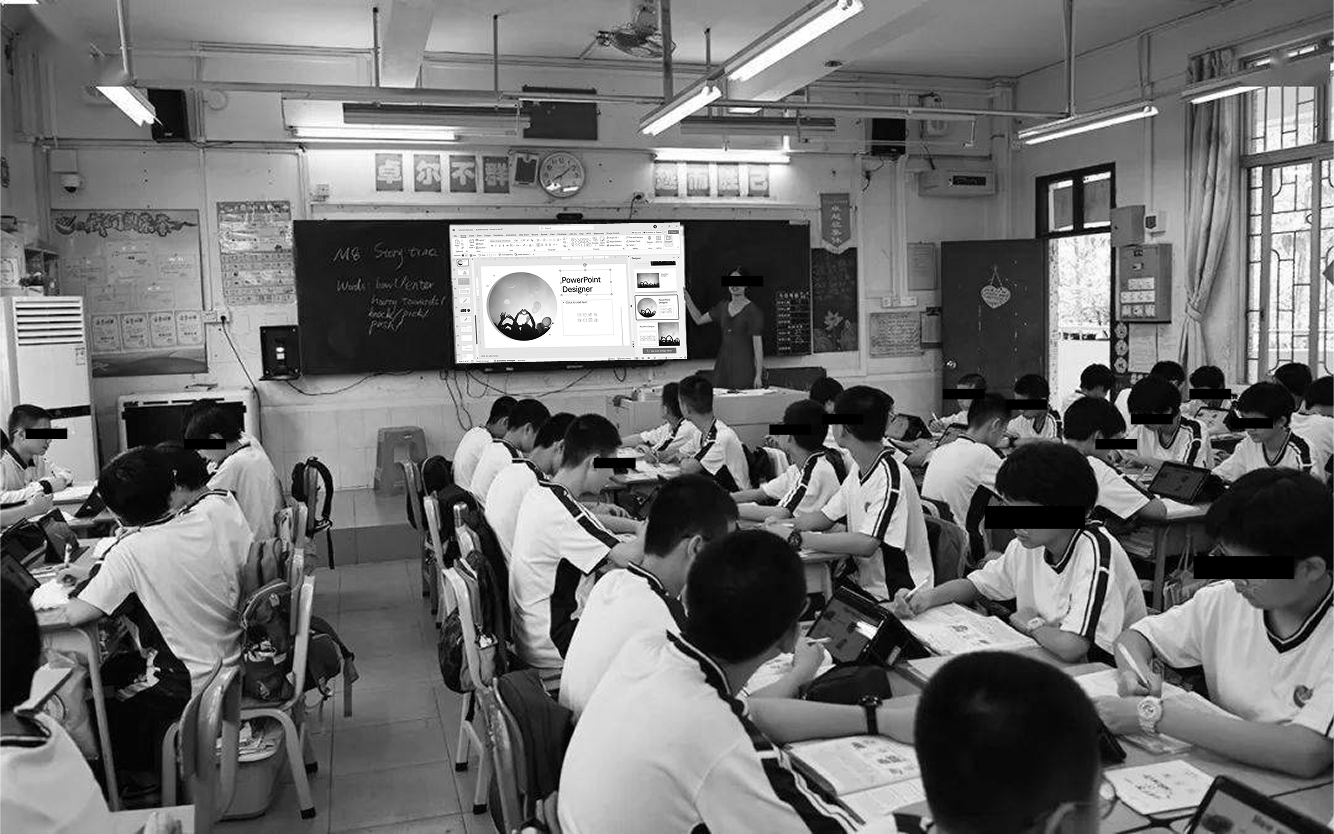
In observations, teachers kept turning their back to students to click. We moved the main controls to the right edge of the screen, and teachers can run the lesson from a tablet while the smartboard faces the class.

One place to switch tools.

Teachers move between the presentation and classroom tools without leaving the interface. To keep it to one screen, we cut most of PowerPoint's features and kept only what teachers use during a lesson.

Key Features

What shipped

Results

Measured across all teachers at our pilot schools over the pilot period. Engagement compares classroom activity before and during the pilot.

40%
increase in teacher adoption rates
35%
improvement in classroom engagement
80%
decrease in application switching during lessons
25%
reduction in lesson preparation time
For the first time, I feel like I'm using software that was actually designed for teaching, not something adapted from the business world.
— Participating Teacher

What I Learned

Resistance usually means "prove it."

When 87% of teachers said they'd hesitate to switch, we first assumed the problem was learnability. Follow-up interviews showed they just needed to see it would save more time than it cost. We changed onboarding from "here's how easy it is" to "here's how much prep time it saves."

The classroom is a physical space.

Where the teacher stands and where students are looking mattered as much as any screen flow.

Ten teams need one set of principles.

With 4 dev teams, 3 PMs and 3 UI designers, shared design principles kept decisions from bottlenecking on me.

Next Case Study

Student Pad 4.0 Upgrade